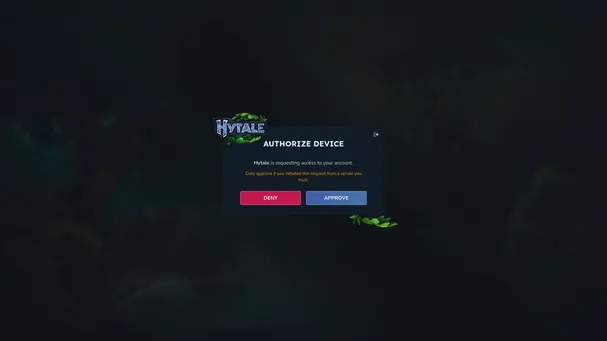
Free Hytale Server Hosting
- Free thanks to carefully placed ads
- No artificial player slot limits
- App for super simple server management


How to get a free server?
Squadnox hosts free Hytale servers for you and your friends. All you need is the Squadnox App, Hytale, and maybe some friends. Create your own dedicated private server for free today and explore the world of Orbis together.
Premium servers at no cost
Squadnox automatically takes care of the server installation, game updates, and hardware management. Our game servers have up to 8 CPU cores and 16GB of RAM available and use super fast NVME SSDs. Never worry about your server again, just invite your friends to boost and start playing.
Join your Hytale server
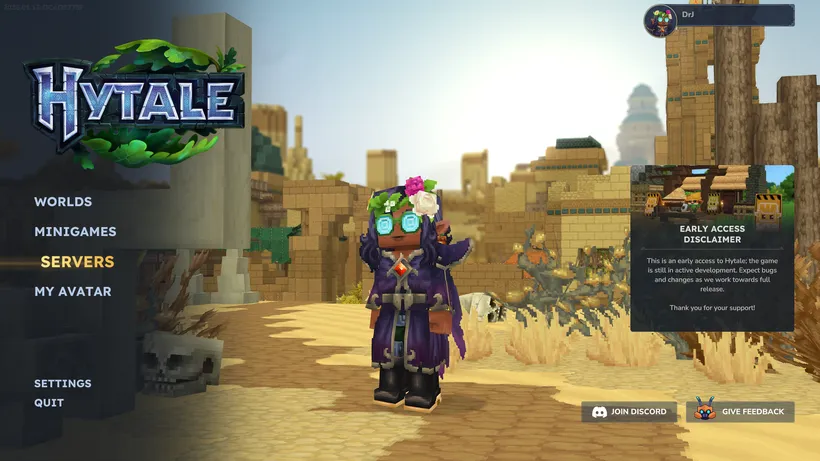
First start your Hytale server in the Squadnox app.
Then launch Hytale on your computer and click the SERVERS button in the main menu.
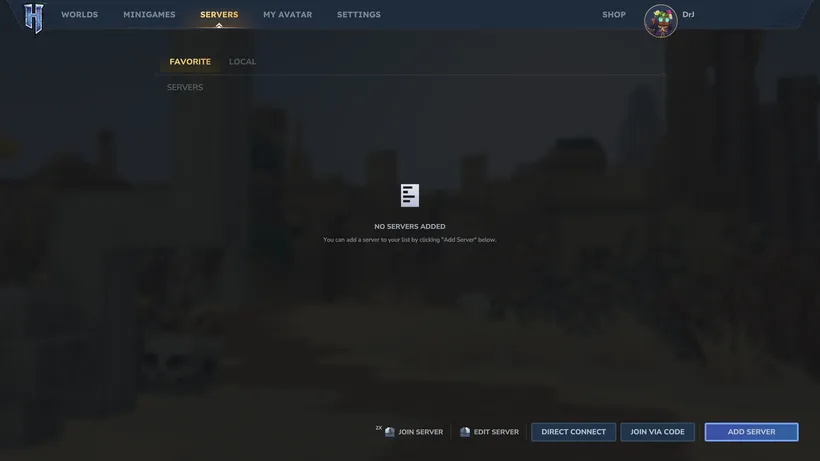
On the Servers screen, click the ADD SERVER button.
This will open the ADD SERVER dialog where you can enter your server details.
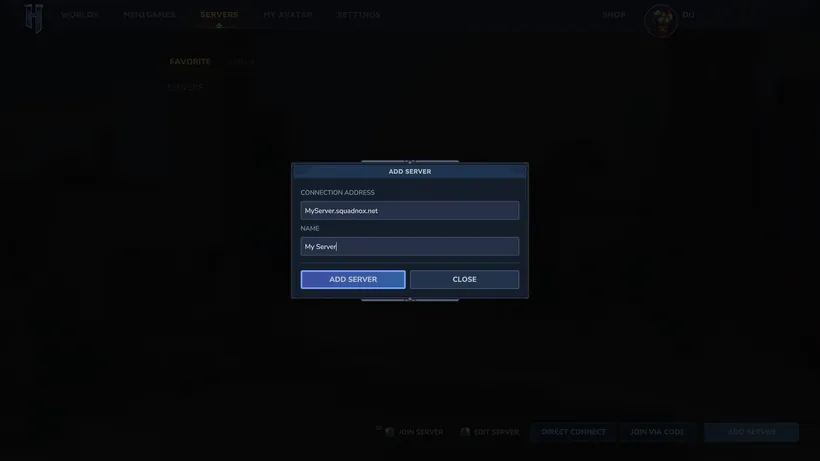
For the CONNECTION ADDRESS field, look up your server address in the Squadnox app.
Next, put a name in the NAME field and save the server by clicking the ADD SERVER button.
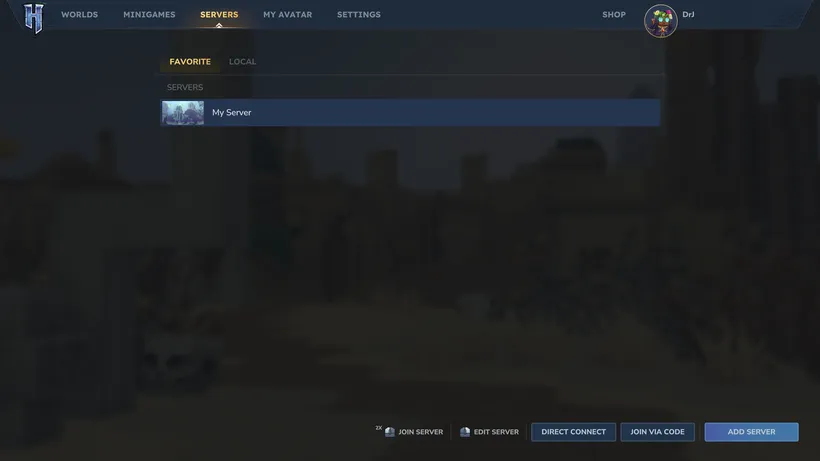
Back on the Servers screen, double-click your server to join it and start playing.