How to authenticate Hytale servers
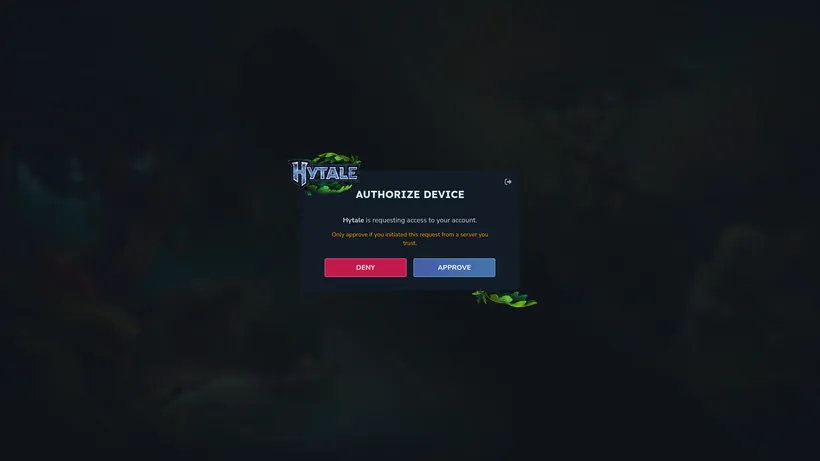
Hytale servers need to be authenticated to allow players to connect. Persist the authentication data to make it work across server restarts. This guide will show you how to do that in a few simple steps.
Authenticating a server
- Start your server
- Open the
Consolescreen in the app - Enter
/auth login deviceinto the console - Visit the Hytale Authorize Device website
- Enter the code shown in the console, click
CONTINUE, and thenAPPROVE - Enter
/auth persistence Encryptedinto the console
What happens if a server is not authenticated?
When players try to connect to a Hytale server that is not authenticated, they will see the following error message:

Unauthenticated servers will also show the following message in the server console:
[ServerAuthManager] No server tokens configured. Use /auth login to authenticate, or provide tokens via CLI/environment.