How to enable the whitelist on a Minecraft Java Edition server
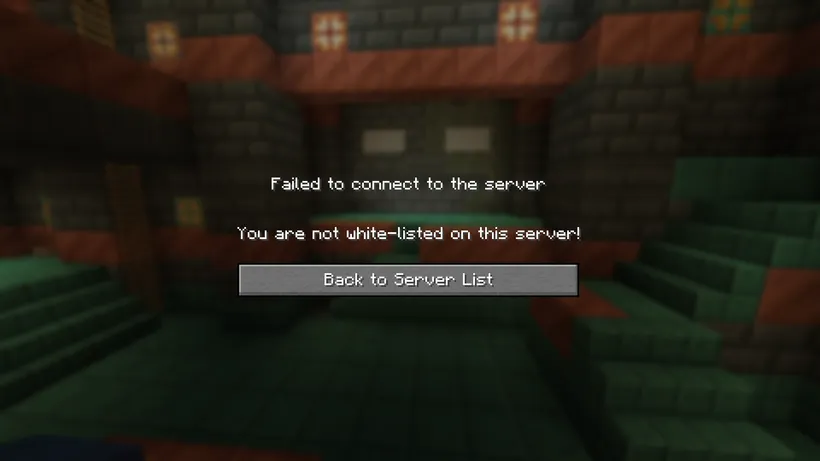
By default, every Minecraft Java Edition server is open to the public. Everyone who knows our guesses your server address can join it. Enable the whitelist to only allow your friends to join. This guide will show you how to enable the whitelist and add friends in a few simple steps.
Enable the whitelist
- Start your server
- Open the
Consolescreen - Enter
whitelist on
whitelist on
[19:14:37] [Server thread/INFO]: Whitelist is now turned on
Add friends to the allowlist
- Start your server
- Open the
Consolescreen - Enter
whitelist add YourFriendsUsername- Replace
YourFriendsUsernamewith the username of your friend
- Replace
whitelist add Mumbo
[19:15:30] [Server thread/INFO]: Added Mumbo to the whitelist
Remove friends from the whitelist
- Start your server
- Open the
Consolescreen - Enter
whitelist remove YourFriendsUsername- Replace
YourFriendsUsernamewith the username of your friend
- Replace
whitelist remove Mumbo
[19:26:12] [Server thread/INFO]: Removed Mumbo from the whitelist
Disable the whitelist
- Start your server
- Open the
Consolescreen - Enter
whitelist off
whitelist off
[19:40:31] [Server thread/INFO]: Whitelist is now turned off