How to set a 7 Days to Die server password
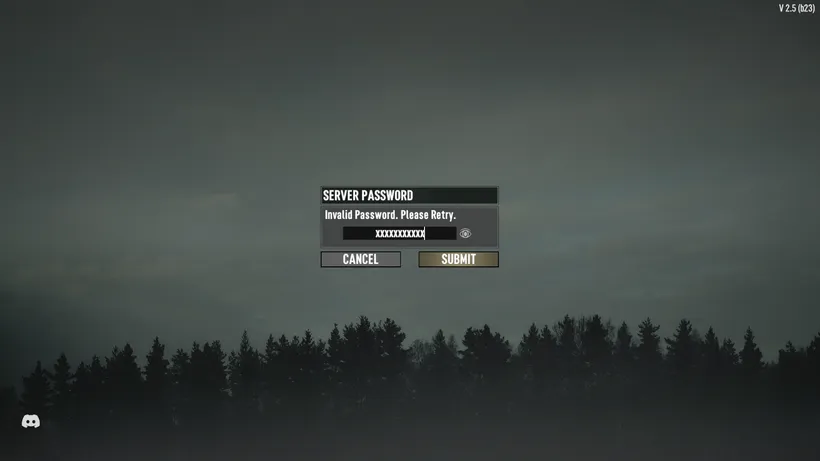
By default, 7 Days to Die servers are open to the public. That can be changed by setting a server password. This guide will show you how to do that in a few simple steps.
Setting a password
- Start your server
- Pause your server
- Open the
Configscreen in the app - Edit the
gameserver/serverconfig.xmlfile - Find the line saying
<property name="ServerPassword" value=""/> - Put your password between the quotation marks after
value= - Save the file
- Unpause your server
Example config file
Here is an example of how your serverconfig.xml file could look like if you set SuperSecretPassword as your server password:
<?xml version="1.0"?>
<ServerSettings>
    <!-- Other settings -->
    <property name="ServerName"        value="My Game Host"/>
    <property name="ServerDescription" value="A 7 Days to Die server"/>
    <property name="ServerWebsiteURL"  value=""/>
    <property name="ServerPassword"    value="SuperSecretPassword"/>
    <!-- Other settings -->
</ServerSettings>