How to become 7 Days to Die server admin
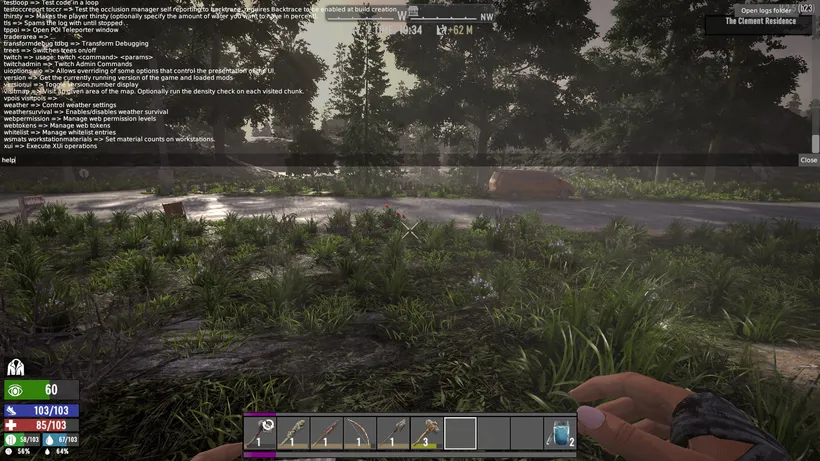
The 7 Days to Die command console requires admin permissions. To run console commands, you need to become a server admin. This guide will show you how to do that in a few simple steps.
Becoming a server admin
- Look up your SteamID using a SteamID finder tool
- Start your server
- Pause your server
- Open the
Configscreen in the app - Edit the
~/.local/share/7DaysToDie/Saves/serveradmin.xmlfile - Find the section starting with
<users>and ending with</users> - Add a new line to that section with the following content:
<user platform="Steam" userid="" name="" permission_level="0" /> - Put your password between the quotation marks after
userid= - Save the file
- Unpause your server
Example config file
Here is an example of how your serveradmin.xml file could look like if your SteamID is 76561198067676767:
<?xml version="1.0" encoding="UTF-8"?>
<adminTools>
  <users>
    <user platform="Steam" userid="76561198067676767" name="" permission_level="0" />
  </users>
  <!-- Other sections -->
</adminTools>